- Deutsch: Diese Seite ist nicht ins Deutsche übersetzt
Asset home page
The Asset home page is the digital representation of an asset. An asset could be e.g. a pole or tower that supports overhead lines, a substation, ground-based transformer, cable cabinet, manhole etc.
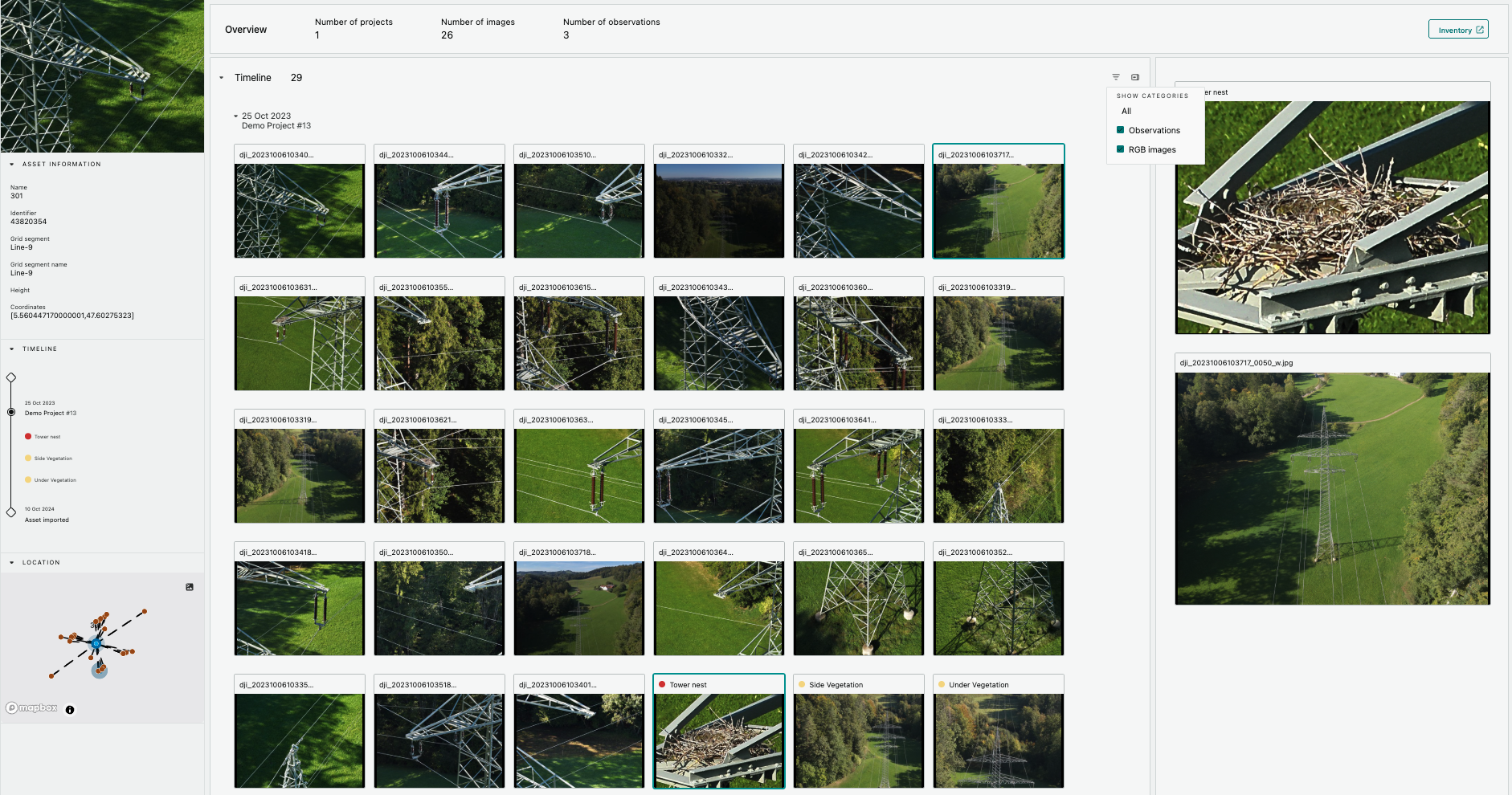
Each asset has got one asset home page where information such as asset name, identifier, grid segment, geolocation etc is visible. That is static information that is imported to Grid Vision from an external system like a GIS or ERP.
Many types of work can be conducted on an asset and stored digitally. It could for example be routine inspections of different types, an inventory uplift, vegetation management, a post storm activity, a wild fire mitigation activity, maintenance work etc. For each activity a project is created in Grid Vision and the asset is added to the scope of work.
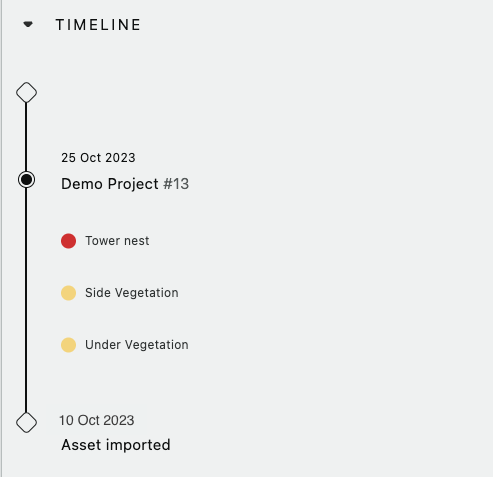
Once the project group the asset is included in has been approved, the asset home page is updated to show the results from that project. For example if an powerline pole has been inspected using 26 aerial images those 26 images will be visible in the asset home page. During that inspection 3 observations were found on three different images. Those observations are then also visible in the asset home page.
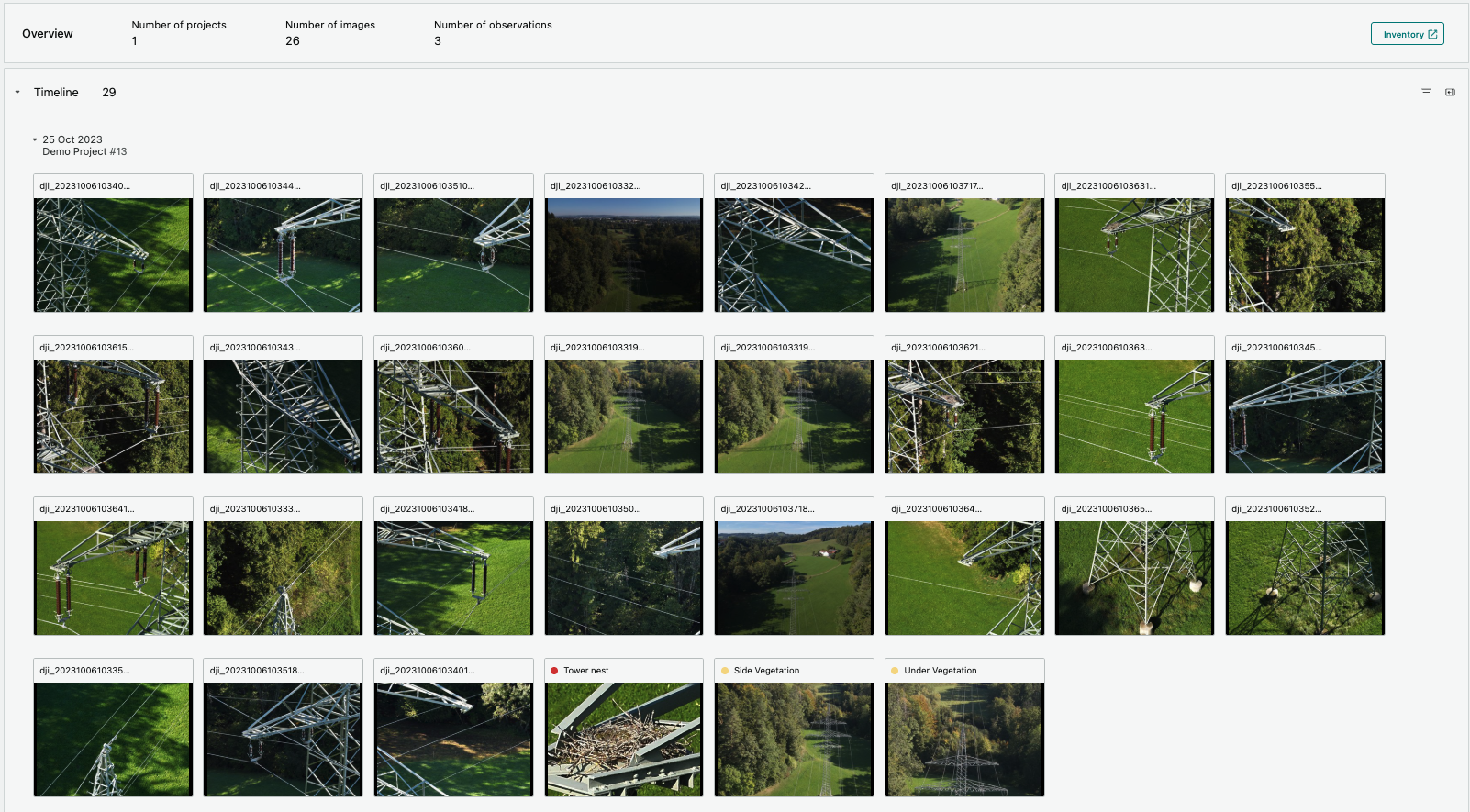
It's currently possible to link LiDAR point clouds, RGB and Thermo (IR) images to an asset. In the future more data types like documents and corona (UV) images can also be uploaded and visualized.
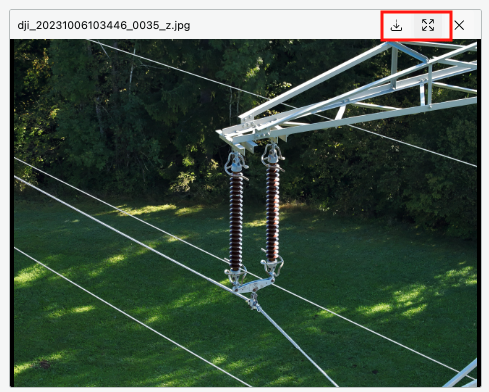
Each image can be expanded in a larger viewer and two images can be selected for a side-by-side comparison. That can be used for example to compare two images from the same angle at different points in time to review the degradation of the condition or to view the same component from different sides.
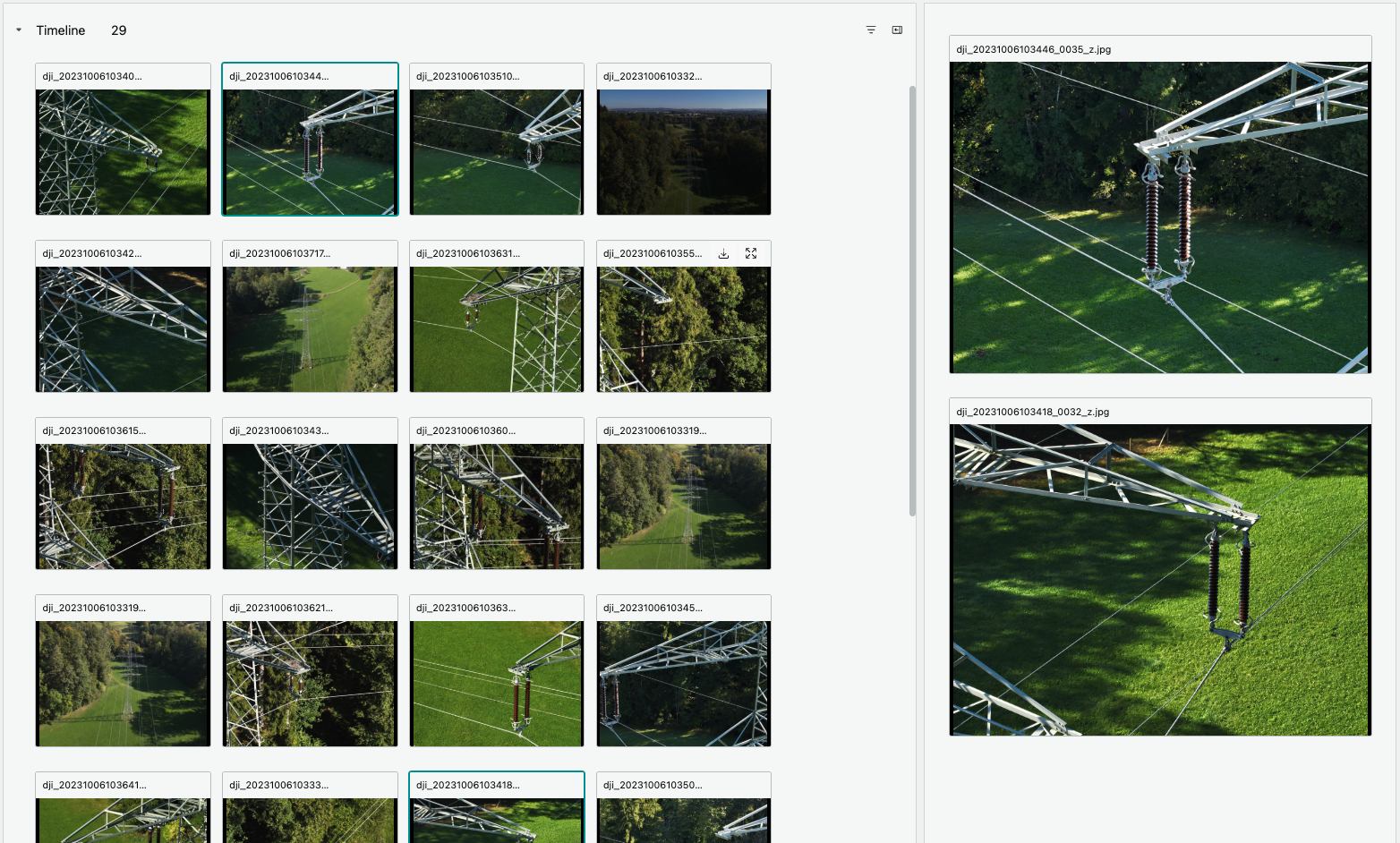
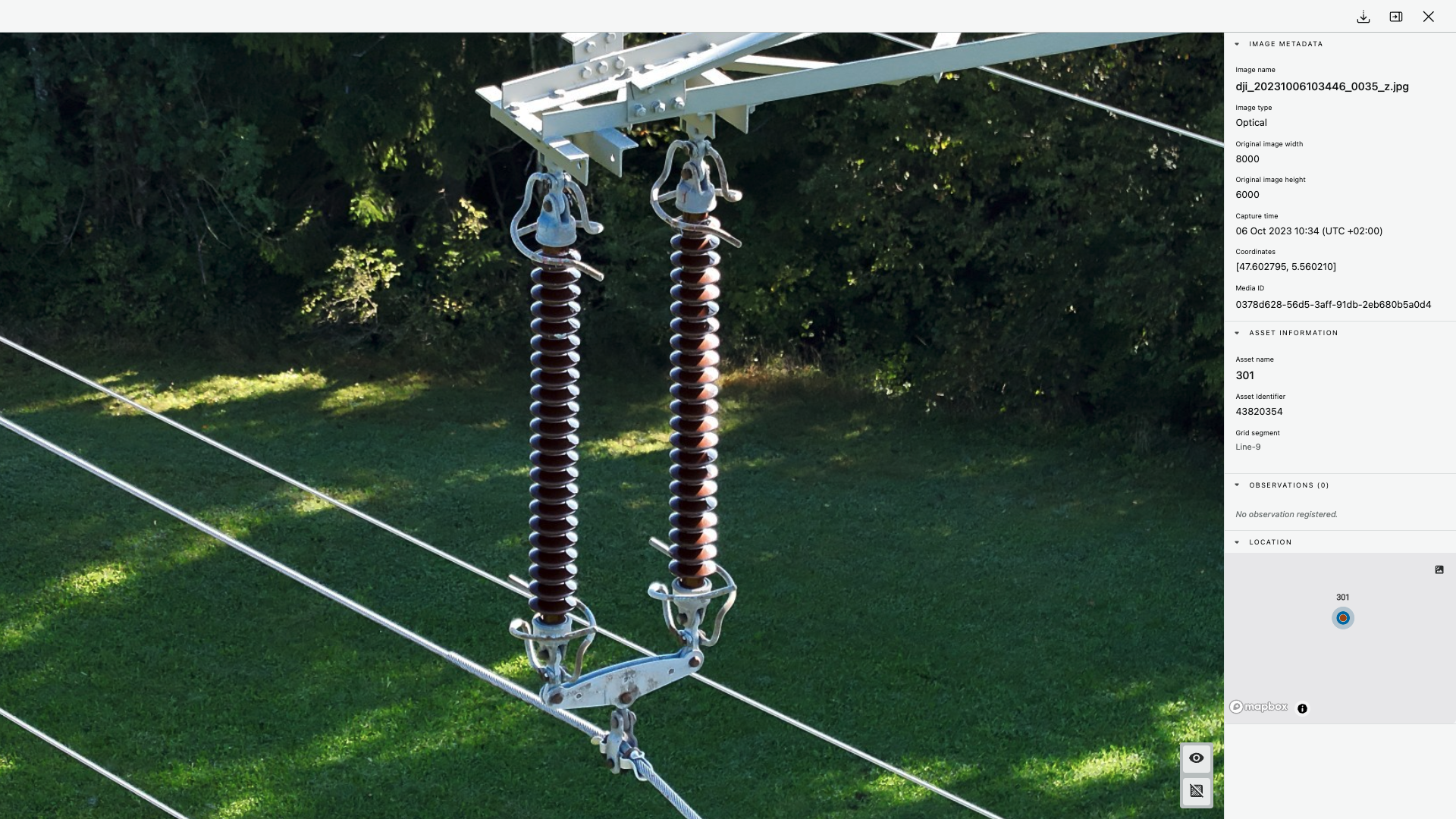
Each image can also be downloaded or viewed in a full size image viewer including all metadata.